
Download Koofr – cloud storage, file sync, file backup, online file sharing, secure cloud storage, multi-platform access, file management, free cloud storage, cloud backup, secure file sharing, file synchronization
Overview
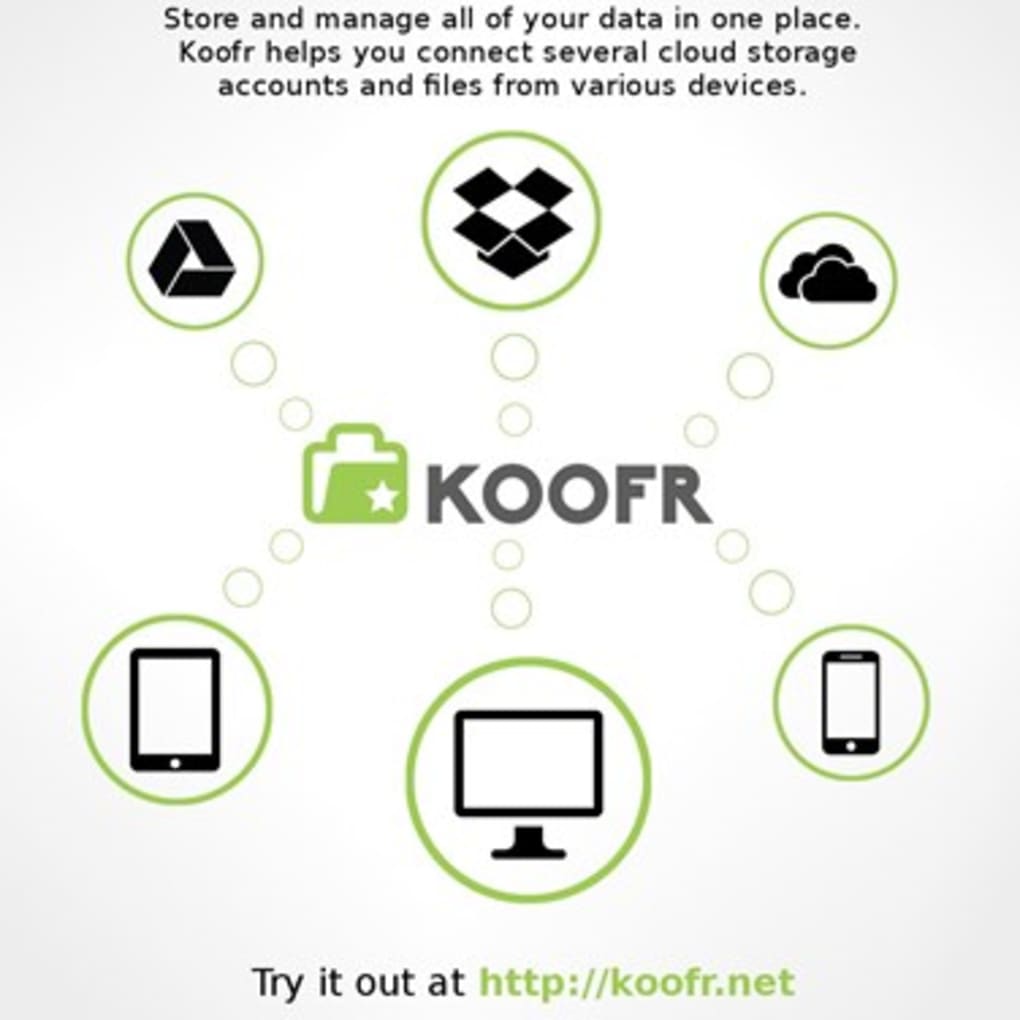
Koofr is a cloud-based storage solution designed to centralize and streamline file management across multiple devices and platforms. It enables users to gather files from various sources—such as local drives, Dropbox, Google Drive, and OneDrive—into a single, unified location. This consolidation simplifies the process of locating and managing documents, photos, and other digital assets, eliminating the need to search across multiple services. The software is particularly beneficial for individuals and teams seeking efficient file organization and seamless collaboration.
By synchronizing files automatically, Koofr ensures that users always have access to the most up-to-date versions of their documents. This functionality supports both personal use and remote work environments, where consistent access to files is critical. The platform also provides robust file backup capabilities, protecting valuable data against accidental deletion or device failure. With a free tier offering 15GB of storage, Koofr stands out among free cloud services, providing more space than many competitors.
The developer, Koofr, has positioned the software as a secure and reliable solution for users who prioritize accessibility and data safety. The application is accessible via desktop and mobile platforms, supporting Windows, Mac, Linux, Android, and iOS. This broad compatibility ensures that users can maintain consistent access to their files regardless of their preferred device or operating system.
Key Features & Capabilities
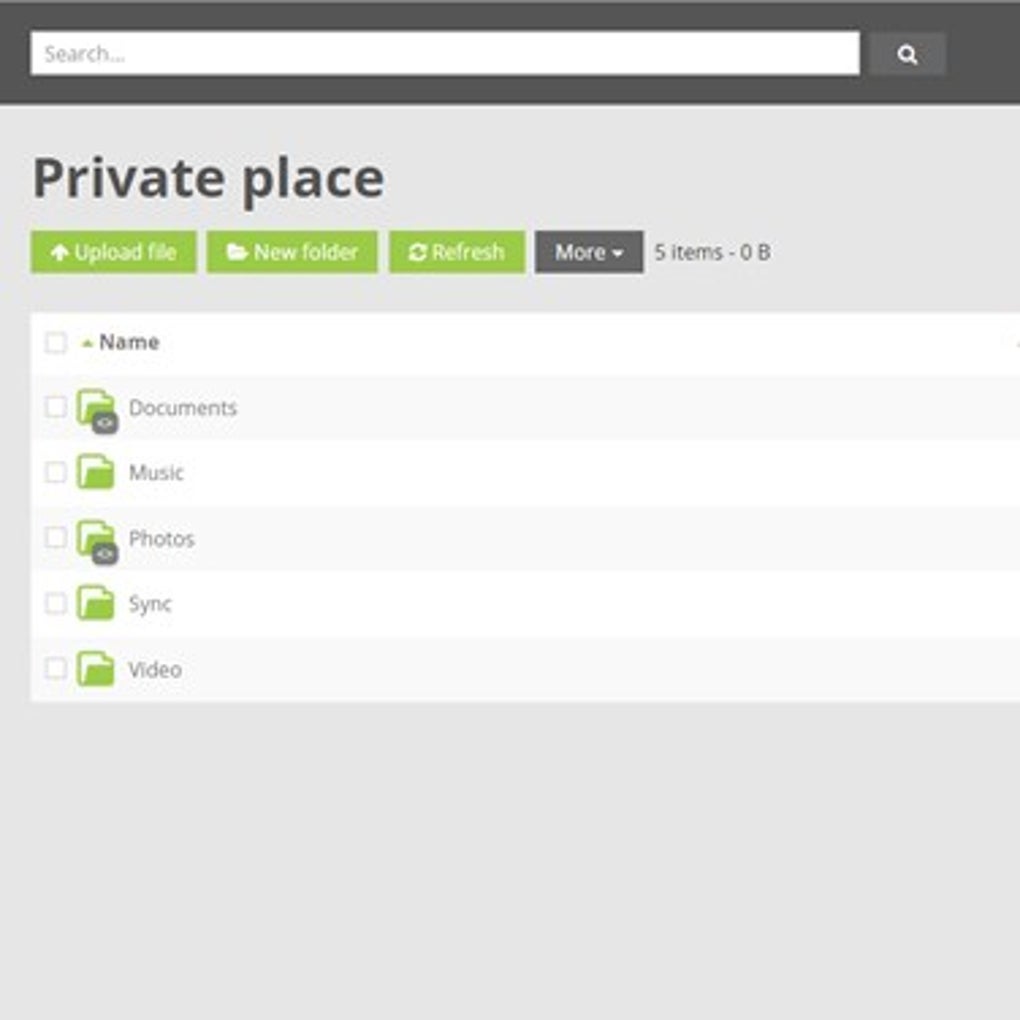
- Centralized File Management – Koofr aggregates files from multiple sources into one unified interface, allowing users to manage all their digital assets from a single dashboard.
- Multi-Platform Synchronization – Files are synchronized across devices, ensuring consistency and real-time updates when changes are made.
- Integration with Third-Party Services – The software connects to popular platforms like Dropbox, Google Drive, and OneDrive, enabling seamless file access and transfer.
- Secure File Sharing – Users can generate shareable links to files and folders, with customizable access settings for enhanced privacy and collaboration.
- Automatic Backup – Koofr offers automated backup functionality, safeguarding important files against loss due to hardware failure or accidental deletion.
- Free Storage Tier – A generous 15GB of free storage is available, making it a competitive option for users seeking cost-effective cloud solutions.
These features are especially useful in remote work environments, where team members need to access and share files securely. For example, a freelance designer can upload project files from their local drive, sync them with Koofr, and share a link with a client without relying on email attachments. Similarly, a student can back up their research documents and access them from any device, whether at home or in the library.
User Interface, Workflow & Performance
The user interface of Koofr is designed with simplicity and functionality in mind, offering a clean layout that prioritizes ease of navigation. Users can quickly access their files, manage sync settings, and initiate sharing with minimal steps. The workflow is intuitive, allowing both beginners and experienced users to perform core tasks efficiently.
Navigation is consistent across platforms, ensuring a familiar experience whether using the desktop application or mobile app. The application maintains a responsive interface, with minimal lag during file operations such as uploads, downloads, and synchronization. However, exact performance details were not specified by the developer.
Stability appears to be a focus, as the software supports continuous background sync and backup operations without reported disruptions. The developer did not specify resource usage details, so CPU and RAM behavior cannot be assessed. General software behavior patterns suggest that the application operates efficiently under typical usage conditions.
Compatibility & System Requirements
Koofr is available on a wide range of operating systems, including Windows, Mac, Linux, Android, and iOS. This multi-platform support ensures broad accessibility for users across different computing environments. The software is distributed as a desktop application with a file size of 100 MB, indicating a lightweight installation package.
The developer did not provide detailed system requirements, so specific hardware specifications such as minimum RAM, processor speed, or disk space are not available. Compatibility information was partially provided, and users are advised to ensure their system meets standard requirements for running desktop applications. The software is designed to function on modern devices with up-to-date operating systems.
Pros and Cons
Pros
- Generous 15GB free storage tier
- Supports multiple platforms including Windows, Mac, Linux, Android, and iOS
- Seamless integration with Dropbox, Google Drive, and OneDrive
- Automatic file synchronization and backup
- Secure file sharing with customizable access links
- Centralized file management across multiple sources
Cons
- Exact system requirements were not listed
- Performance metrics such as CPU and RAM usage were not provided
- Advanced features may be limited in the free version
- Limited information on data encryption and security protocols
- No mention of offline access capabilities
FAQ Section
Is Koofr compatible with Windows and Mac?
Yes, Koofr is available for both Windows and Mac operating systems, allowing users to install the desktop application on their preferred devices.
Is the software free to use?
Yes, Koofr offers a free tier with 15GB of storage. Additional storage and advanced features are available through paid plans.
Can I sync files from Dropbox and Google Drive to Koofr?
Yes, Koofr supports integration with third-party cloud services such as Dropbox, Google Drive, and OneDrive, enabling users to access and sync files from these platforms.
How secure is my data on Koofr?
Koofr emphasizes secure cloud storage, though specific details about encryption methods and security protocols were not provided in the official documentation.
Does Koofr support offline access to files?
Information regarding offline access capabilities was not specified. Users may need to check the application’s documentation for details on local file availability when not connected to the internet.
Final Thoughts
Koofr presents a compelling option for users seeking a centralized, secure, and accessible cloud storage solution. Its ability to unify files from multiple platforms into a single interface significantly enhances file management efficiency. The generous free storage tier, combined with multi-platform support and robust synchronization, makes it a strong contender in the cloud storage market.
While some technical details such as system requirements and performance metrics remain unspecified, the software’s design and functionality align with modern user expectations. Professionals, students, and remote workers who value seamless collaboration and data protection will benefit most from Koofr’s capabilities.
With its secure file sharing, automatic backup, and integration with popular services, Koofr delivers a well-rounded experience. Download Koofr now to experience a smarter way to manage your digital files across devices.






.png)
